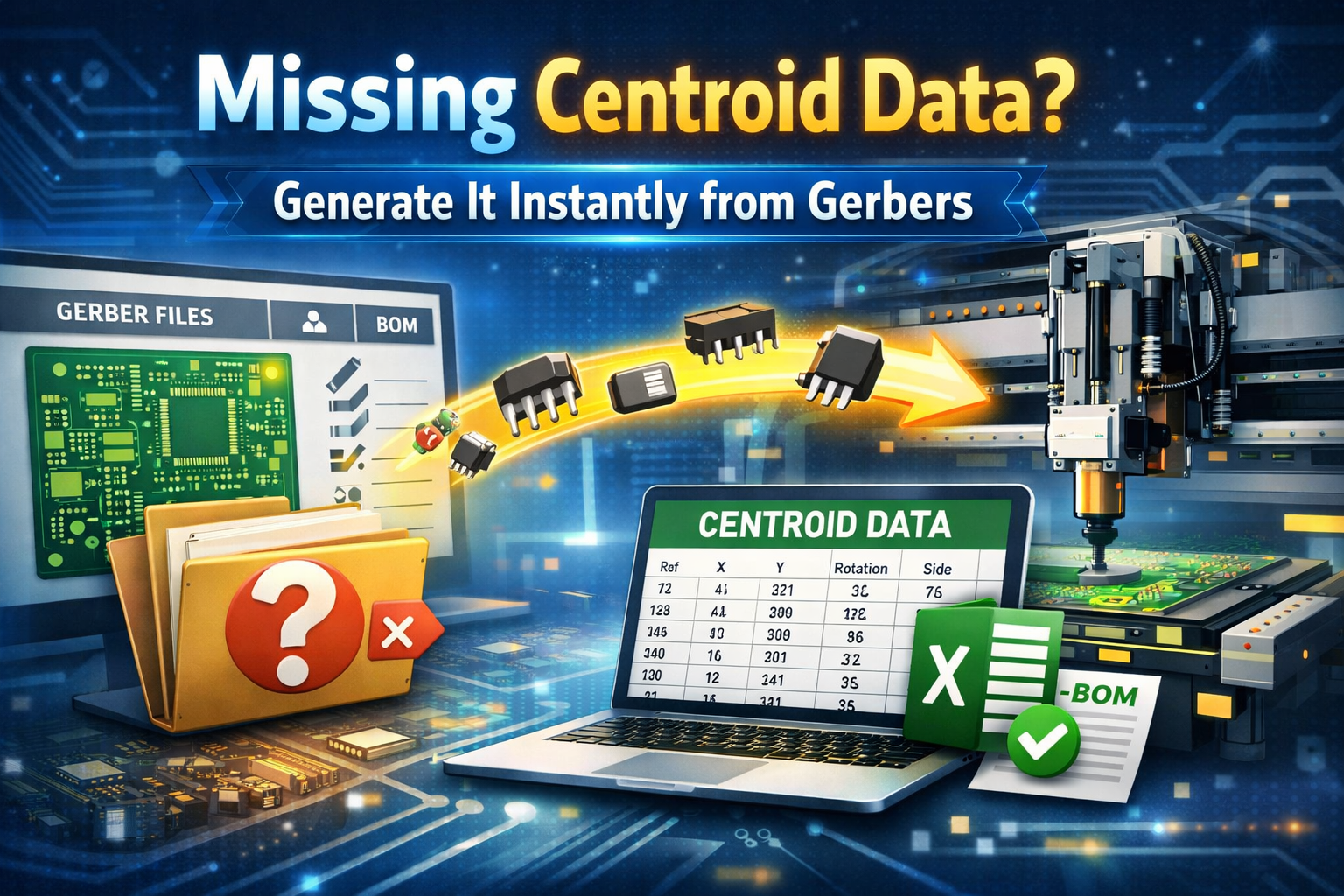
From Gerber to Pick-and-Place: Generating Centroid Files with FAB 3000
Let's be honest—if you've ever opened a job and realized there's no centroid file, you already know what kind of day it's going to be.
You've got Gerbers. Maybe a drill file. Maybe even a BOM.
But no pick-and-place data?
Now you're manually figuring out component locations… and that's not exactly where you want to spend your time.
This is where FAB 3000 really shines.
Why Centroid Data Matters (More Than People Think)
A centroid (pick-and-place) file is what drives your assembly machines. It tells them:
- X/Y component location
- Rotation
- Top or bottom side
Without it, automated placement just doesn't happen.
And while some CAD tools generate this automatically, in the real world—especially in contract manufacturing—you don't always get clean, complete data.
That's exactly why being able to generate centroid files from Gerber alone is such a powerful workflow.
Turning Gerbers into Assembly Data
With FAB 3000, you can take standard Gerber data and build a complete centroid file—even when the original design files are missing.
This is especially useful for:
- Contract manufacturers handling different boards every month
- Legacy jobs with limited data
- Reverse engineering scenarios
- Customers who send "partial" packages
Instead of chasing files, you just build what you need.
How It Works (Quick Breakdown)
At a high level, the process revolves around the paste layer, which represents where components actually sit.
From there, you:
- Identify component footprints
- Define pin 1 and orientation
- Group similar components automatically
- Assign reference designators (using silkscreen as a guide)
Once everything is defined, exporting the centroid file is simple—and it outputs as a Microsoft Excel file compatible with assembly machines and spreadsheets.
🎥 Step-by-Step Tutorial (Watch This)
This tutorial walks through:
- Converting PCB data into centroid format
- Understanding component placement logic
- Generating pick-and-place outputs ready for assembly
It's a great visual if you want to see the workflow in action.
Try FAB 3000 for Yourself
If you're working with Gerber files and need to generate accurate centroid (pick-and-place) data, the best way to evaluate the workflow is to test it with your own production files.
👉 Download the FAB 3000 Free Demo:
With the demo, you can:
- Generate centroid (pick-and-place) files directly from Gerber data
- Load and inspect Gerber, drill, and PCB CAD files
- Validate manufacturing data before release
- Compare PCB revisions and fabrication datasets
- Export formats including ODB++ and IPC-2581
Testing the demo with your own jobs is the fastest way to see how FAB 3000 fits into your assembly and PCB release workflow—especially when data is incomplete.