
Catch PCB Manufacturing Errors Before They Reach Fabrication
Identify potential manufacturing issues in your Gerber, ODB++, IPC-2581, and drill data before sending your PCB designs to production.
Your PCB design may pass electrical design-rule checks and still contain manufacturing problems.
FAB 3000 helps PCB designers, CAM engineers, and manufacturing teams inspect actual production data, identify potential DFM violations, and address issues before they result in fabrication delays, additional revisions, or costly rework.
30-Day Full-Featured Evaluation | No Credit Card Required | Windows
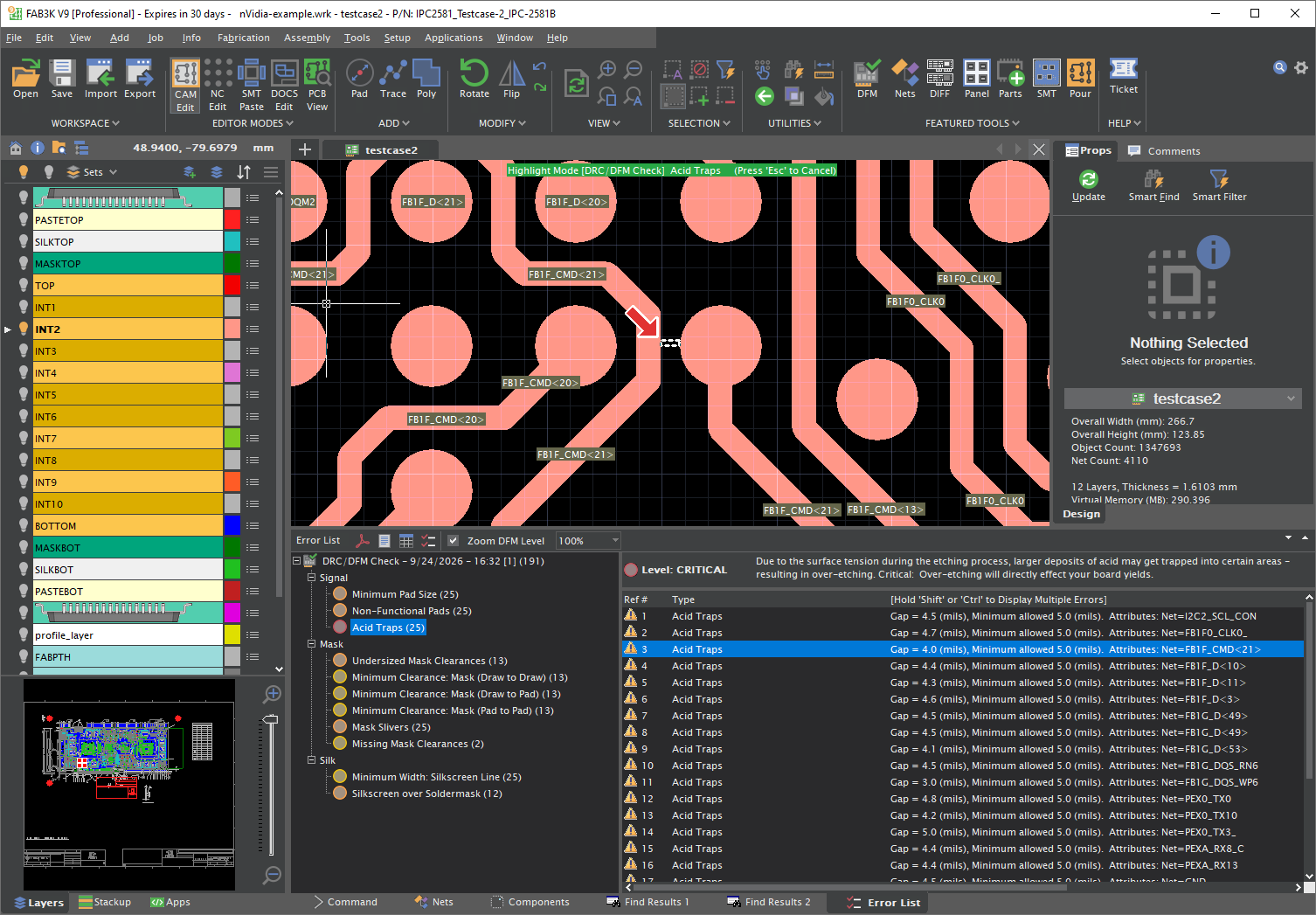

Sound Familiar?
Common PCB manufacturing challenges engineers face every day.
Are your Gerber files ready for fabrication?
Review manufacturing data and identify potential DFM issues before submitting your design.
Your PCB Can Pass Design Rules and Still Have Manufacturing Problems
Electrical design-rule checks are important, but they do not necessarily identify every issue in the manufacturing files delivered to your PCB fabricator.
Problems may arise from design constraints, data export, drill registration, layer alignment, copper clearances, and manufacturing limitations.
Common issues include:
- Insufficient copper spacing
- Narrow traces and copper features
- Inadequate annular rings
- Drill-to-copper clearance violations
- Misaligned drill data
- Solder mask clearance problems
- Starved thermal connections
- Copper slivers and acid traps
- Potential opens or shorts
- Manufacturing data inconsistencies
Catching these problems before fabrication can help reduce revision cycles, avoid unnecessary delays, and improve communication with your manufacturing partners.
Comprehensive DFM Analysis for PCB Manufacturing Data
Copper and Signal Integrity
Inspect spacing, minimum widths, copper slivers, acid traps, and other potential copper-related manufacturing issues.
Drill and Annular Ring Verification
Identify drill registration problems, insufficient annular rings, and spacing violations that may affect fabrication.
Solder Mask and Silkscreen
Review applicable mask, legend, and clearance constraints before manufacturing.
Plane and Thermal Connections
Identify potential plane shorts, isolated connections, starved thermals, and related manufacturing concerns.
Netlist Comparison
Compare extracted manufacturing connectivity against supplied netlist information to help identify potential opens, shorts, or mismatches.
Assembly and Component Verification
Review supported component spacing, footprint registration, stencil, and assembly-related constraints when the necessary manufacturing data is available.
Prefer a quick overview? Explore FAB 3000 Features
View Detailed Feature ComparisonFrom Manufacturing Files to DFM Review in Four Steps
- Step 1
Import Your Manufacturing Files
Open Gerber, ODB++, IPC-2581, and applicable drill data.
- Step 2
Configure Your DFM Checks
Review applicable manufacturing constraints and select the checks relevant to your design and fabrication requirements.
- Step 3
Identify and Investigate Violations
Run DFM analysis, inspect flagged locations, and evaluate potential manufacturing issues.
- Step 4
Review, Correct, and Document
Use the available CAM tools to address appropriate issues, verify the results, and generate reports for engineering or manufacturing review.
See the Manufacturing Issues Before They Become Production Problems
Real examples of DFM violations flagged in FAB 3000.
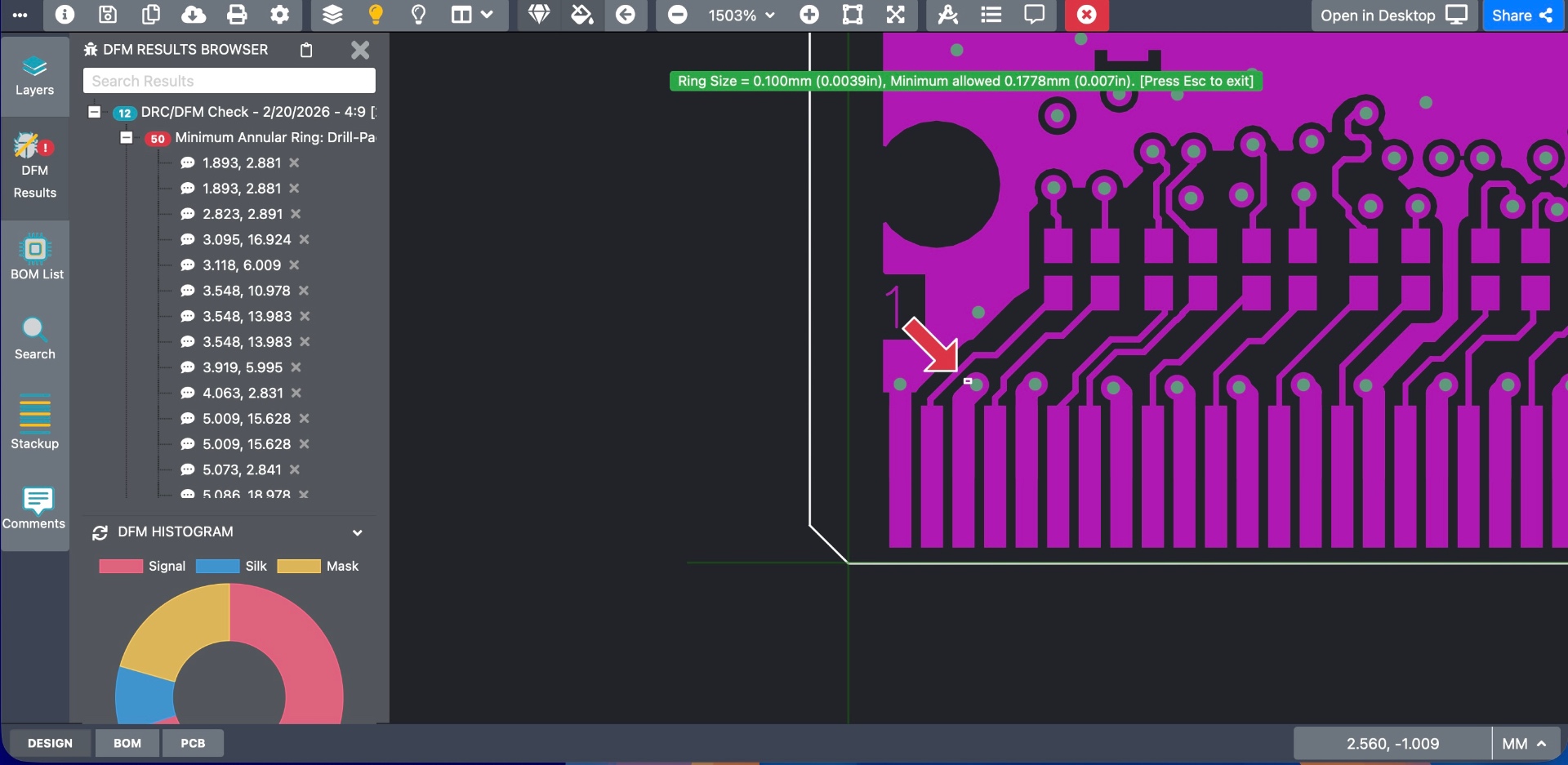

Minimum copper clearance violation
Detected: Copper features closer together than the configured minimum clearance.
Why it matters: Insufficient spacing can be difficult to etch reliably and may increase the risk of shorts.
How to investigate: Zoom to the flagged location, measure the gap, and compare it with your fabricator's capability.
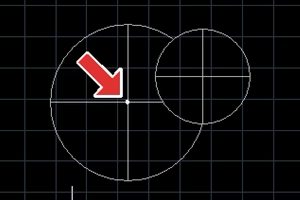
Drill spacing violation
Detected: Drill hits positioned closer together than the configured drill-to-drill spacing.
Why it matters: Holes that are too close can weaken the material between them or exceed drilling tolerances.
How to investigate: Select the violation in the results list to locate the drill hits and review the drill layer.
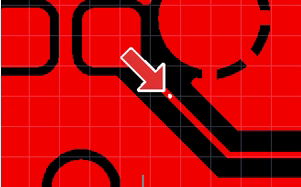
Starved thermal connection
Detected: A thermal relief whose spokes are reduced or blocked by surrounding plane features.
Why it matters: A starved thermal may weaken the electrical connection between a pad and its plane.
How to investigate: Inspect the pad on the plane layer and review the remaining spoke connections.
FAB 3000 DFM Tutorial — PCB Manufacturing Validation
DFM workflow demonstration. Updated FAB 3000 V9 tutorial coming soon.
Document Your Findings and Communicate With Your Team
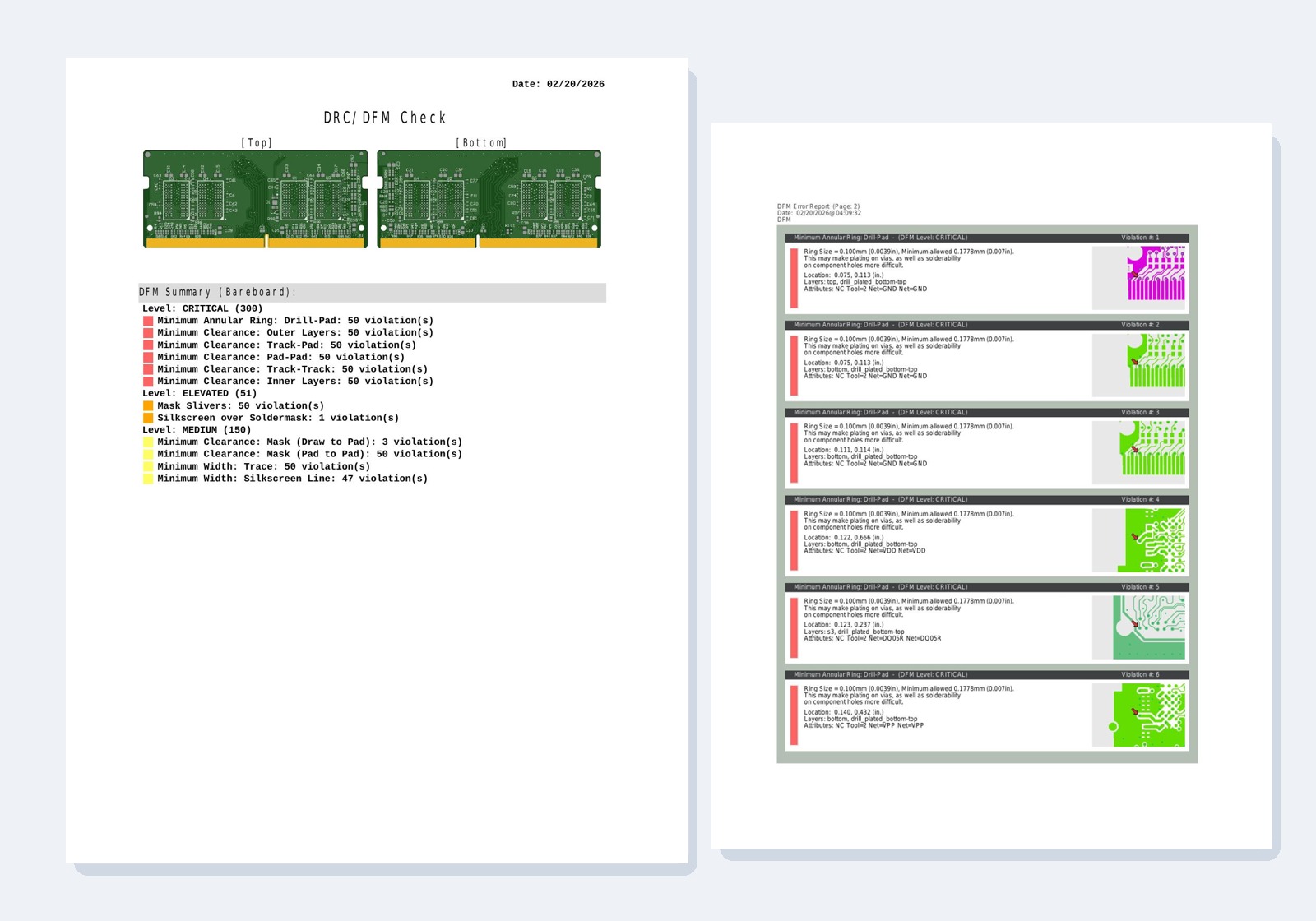
FAB 3000 supports DFM analysis and PDF report generation, helping engineering and manufacturing teams review and communicate potential problems. DFM reporting can support:
- Internal engineering reviews
- Manufacturing preparation
- Discussions with PCB fabrication partners
- Documentation of flagged manufacturing issues
- Follow-up verification after corrections
Work With the Manufacturing Data You Already Have
Review manufacturing outputs directly without requiring access to the original PCB design project.
- Gerber RS-274X
- ODB++
- IPC-2581
- Excellon / NC Drill
- DXF / DWG, where applicable
- IPC Netlist, where applicable
Individual verification capabilities depend on the information available in the imported files.
Built for PCB Design and Manufacturing Workflows
PCB Designers
Review manufacturing outputs before sending designs to fabrication.
CAM Engineers
Inspect, analyze, edit, and prepare PCB manufacturing data.
PCB Fabricators
Review customer-supplied manufacturing files and investigate potential fabrication issues.
Contract Manufacturers
Support manufacturing preparation, file verification, and applicable assembly-related checks.
Engineering Teams
Improve collaboration between PCB design, manufacturing engineering, and external fabrication partners.
Better Manufacturing Preparation Starts Before You Submit Your Files
A PCB manufacturer performs important process-specific reviews based on its equipment, materials, tolerances, and production capabilities.
FAB 3000 helps engineering teams perform an additional review of manufacturing data before submitting it to fabrication. This supports a collaborative approach:
- Design Engineering
- Manufacturing Data Verification
- Fabricator Review
- Production
FAB 3000 complements your fabricator's process-specific DFM review — it does not replace it.
More Than a Gerber Viewer
FAB 3000 combines professional PCB CAM tools with DFM analysis and manufacturing data preparation capabilities.
- Advanced DFM analysis
- Gerber editing and repair
- Layer comparison
- Netlist comparison
- PCB panelization
- Manufacturing data import and export
- PDF reporting
- Additional CAM and verification tools
What Engineers Are Saying
"I'm pleased to say that I was able to catch a DFM issue with FAB 3000 that was un-caught by my ECAD tool's design rules. This will help with selling the tool to my team!"
— John T.
Senior Avionics Engineer
Frequently Asked Questions
Explore More FAB 3000 Capabilities
DFM checking is just one part of FAB 3000. Discover the professional CAM tools, manufacturing features, and software options available to support your PCB design and manufacturing workflow.
Discover Everything FAB 3000 Can Do
Explore professional Gerber editing, PCB panelization, netlist comparison, CAD/CAM conversion, manufacturing data preparation, and more.
Explore All FAB 3000 FeaturesFAB 3000 vs. PCB Preflight
Not sure which software is right for your PCB workflow? Compare our free Gerber viewer with FAB 3000's professional CAM and DFM capabilities.
Compare Software FeaturesWhat's New in FAB 3000 V9?
Discover the latest FAB 3000 release, including expanded DFM capabilities, workflow improvements, and professional CAM features.
Explore FAB 3000 V9
Catch Manufacturing Problems Before They Cost You Time
Evaluate FAB 3000 V9 using your own manufacturing data and see how its CAM and DFM tools fit into your engineering workflow.
Questions About Licensing? Contact Our Sales Team.